
- Check Your Internet Signal Strength
- Select the Correct Network Mode
- ???? How to Change Network Mode on Your Mobile Phone
- Airplane Mode Trick
- Turn Off Background Data of Apps
- Check Your Network Coverage
- Check Your Internet MBs
- How to Increase the Speed by Using the Helpline
- Restart Your Mobile Phone
- Conclusion
- ✅FAQ Question Answer
These days the internet has become a basic need for everyone from kids to adults. But the most common problem people face is slow internet speed. When the speed is good a task that takes hours can be done in minutes. But when the internet becomes slow even a simple task feels impossible.
Sometimes our phones show full network signals but the internet still works very slow. This happens in cities and even more in villages. The good thing is that three are many simple and legal ways to improve your internet speed but most people don’t know how to use them.
If you also struggle with the slow browsing buffering videos or weak signals even when the network is available then this post will help you. Here you will learn 10 easy and practical methods that can boost your internet speed and make your connection much faster.
Why Internet Gets Extremely Slow
Check Your Internet Signal Strength
Sometimes we use mobile internet while sitting inside our rooms and this often weakens the network signals.
Many times the slow internet problem happens just because the signals are too low.
To improve your internet speed try moving to a place where signals are stronger for example near a window your balcony the rooftop or any open area in your house. When your phone receives stronger signals your internet speed also becomes much faster.
So if you usually use the internet inside a closed room try avoiding that. Instead use your mobile data near a window on the roof or in an open space at home. You will notice that your signal strength increases and the speed also improves.
Select the Correct Network Mode
Many times while using the internet your mobile network mode changes automatically. For example even if you set it to 4G, it may switch to 2G or 3G on its own.
The simple solution is to change the mode back manually. If your phone and SIM support 4G set it again to 4G. And if your device supports 5G then switch it to 5G for better speed.
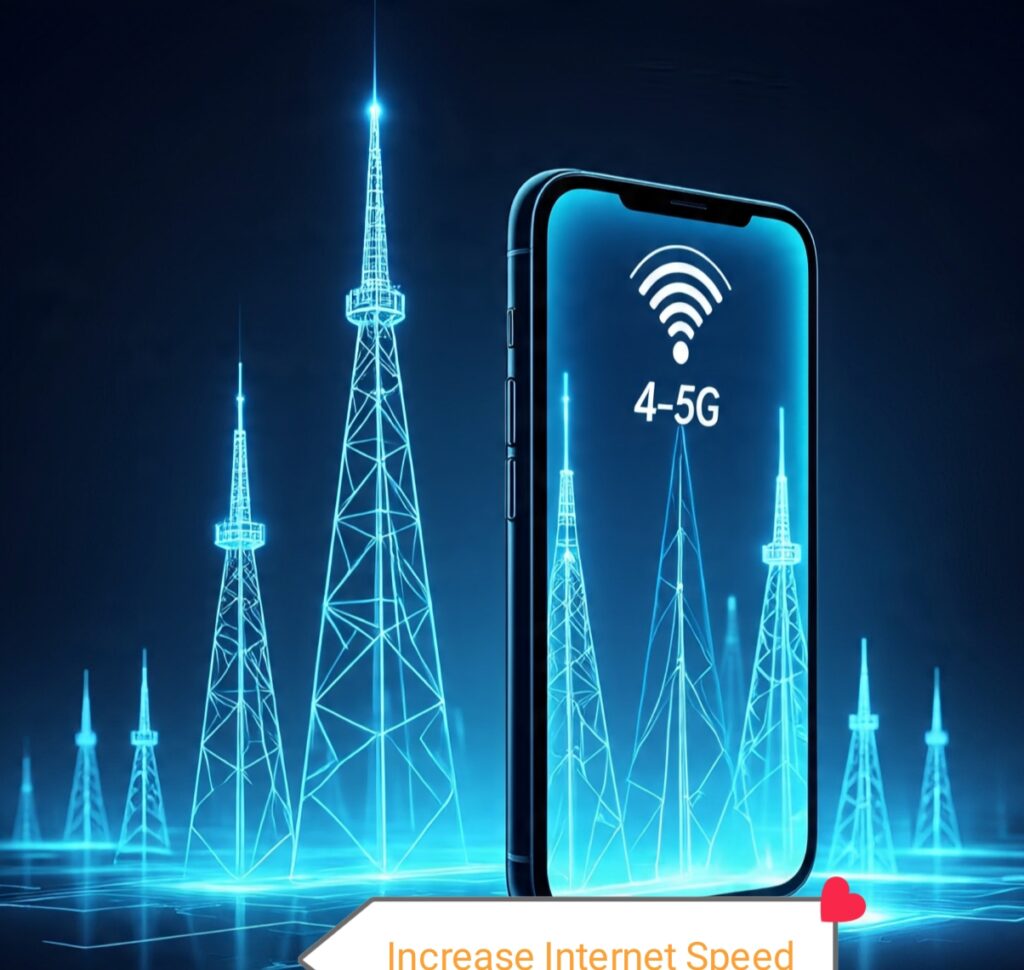
???? How to Change Network Mode on Your Mobile Phone
If you want to change the network mode on your mobile, simply long press the mobile data button. When you hold it the SIM cards you are using will appear on the screen.
Select the SIM for which you want to change the network mode. After tapping the SIM go to its Settings or scroll down until you see the option “Preferred Network Type“.
When you open this option you will see different modes.
If your phone supports 4G, You will see 4G in the list. If your device doesn’t support it the list will show modes only up to 3G or 2G.
Just select 4G if your mobile supports it.
However if you already have 4G enabled but your internet speed is still slow, switch to 3G only.
Sometimes 3G works better than 4G in certain areas and the speed becomes almost the same. Choosing 3G only can fix slow internet issues in many cases.
Airplane Mode Trick
Sometimes we are using mobile internet the signals are full and the speed also looks fine – but still the SIM does not give proper speed. This means your network is not fully refreshing.
The simple way people try is clearing app data but that takes time. The fastest and easiest solution is the Airplane Mode Trick
Just turn Airplane Mode On once. When all network signals disappear completely turn it OFF again.
This refreshes your mobile network and your SIM reconnects with stronger signals. Most of the time this small trick immediately fixes slow speed issues.
If the problem still continues
Then you should clear the data of apps like You tube, Instagram, TikTok, Facebook or Chrome.
To do this:
- Open your phone settings.
- Go to the Privacy section.
- There you will find Clear Data and Clear cache options.
- Clear both.
This will remove all old data of the app and reset it like a fresh install. When you open the app again, any bugs or loading issues will be gone and the app will work smoothly like new.
Turn Off Background Data of Apps
Sometimes we are using one app but 10 – 15 other apps keep using our internet in the background. This reduces your speed and wastes your MBs. The best solution is to keep data ON only for the app you are using and turn off background data for all other apps.
To do this;
- Open your mobile settings.
- Tap on Apps.
- Open the app whose background data you want to turn off.
- Tap on Data Usage.
- Now turn Background Data Off for that app.
This trick is very useful for apps like TikTok, YouTube, Instagram, Snapchat and even WhatsApp.
Even when you are not using these apps they still consume internet in the background.
So only turn their data ON when you need them, And turn it OFF again after use.
Check Your Network Coverage
Sometimes our internet doesn’t work properly simply because the network signals in our area are week. When this happens your mobile data becomes slow or doesn’t work at all. To fix this try changing the time when you use the internet.
For example if you usually use data in the afternoon switch to evening or night. Using your internet between 10 PM and 9 AM can give you much better speed because fewer people are online during these hours.
But if your SIM belongs to a network that has no tower in your area then you should change your SIM. For instance if you are using Telenor and there is no Telenor tower near your location then switch to a network whose tower is close to your area. This will improve your internet speed a lot.
Why Internet Gets Extremely Slow at Night
Check Your Internet MBs
Sometimes our internet MBs finish and we keep wondering why our internet is not working or slow speed. Apps like YouTube, Facebook, WhatsApp, Instagram and Snapchat stop loading and we feel confused because we don’t know that our data has already run out.
The best solution is to always use your network official app.
- If you are using Jazz download the Jazz World App.
- If you are using Zong install the My Zong App.
- If you are using Ufone use the My Ufone App.
- And if are a Telenor user install the My Telenor App.
These apps help you check your remaining internet MBs and balance anytime.
When you know how much data you have you won’t face any confusion.
If your internet MBs finish these apps will tell you can recharge or subscribe to a new offer.

How to Increase the Speed by Using the Helpline
Sometimes our SIM faces a network issue that slows down the internet speed and we keep worrying without knowing what to do. Many people think the problem is only in their internet but sometimes it’s actually a network side issue.
In this situation the best option is to call your network helpline and get proper support.
- If you are using Jazz you can dial 111 to talk to the Helpline (you wrote 22 but Jazz helpline is 111. If you still want to keep 22, I can adjust).
- If you are using Zong call 310 to reach their support.
- If you are using Telenor dial 345 or 999 to get help.
- If you are using Ufone you can call 333 or 706 which is their helpline.
These helpline numbers guide you properly. If you are facing slow internet speed or any network issue you can call them and get complete support about your SIM and network settings.
Restart Your Mobile Phone
Restarting your phone is one of the easiest ways to fix slow internet or network problems. When you restart your device any temporary network errors get resolved background apps stop using data and your phone becomes faster. After the restart only the app you are using will consume data which helps improve your internet speed.
If your phone was hanging or any app was not working properly a restart usually fixes that too.
To restart your phone you can press and hold the side buttons and tap the “Restart” option. You can also go to Settings and select the Restart option there. Your phone will turn off and automatically turn on again. Once it restarts you will notice better internet speed and smoother performance.
Conclusion
Slow internet makes even our smallest tasks take a long time and when the internet is slow our daily routine also becomes slow. In this post you will find 10 easy ways to improve your internet speed, no matter which area you live in. Whether you are in a village or a city, you can use these methods to boost your SIMs internet signals and complete your work faster. Read the full post and improve your internet speed today.
Why Internet Gets Extremely Slow at Night in Pakistan
✅FAQ Question Answer
1.How do I Increase my mobile data speed?
Easy option clear your app data or restart your mobile.
2.How do I get 100% internet speed?
Easy way, if you are using 4G internet to switch your internet on 3g only.
3.Why is my 4G so slow?
Easy answer, If you are using internet in your room switch your internet in outdoor place.


Pingback: Telenor Cheap Call & SMS Packages Latest Offers -
Pingback: Best 5 Daily Internet Packages Under Rs. 30 in Pakistan -
Pingback: Top 10 Cheapest Internet Packages for Students in Pakistan -
Pingback: Best Tiktok Data Packages in Pakistan (Jazz, Zong, Telenor, Ufone) 2025 -
Pingback: My Zong App Complete Guide latest-How to Create and Mange Your Account -
Pingback: Top 5 Low Cost Family Call Packages in Pakistan (Jazz,Zong,Telenor,Ufone) -
https://pksmartly.com/top-10-easy-ways-to-boost-your-internet-speed-in-2026/
Pingback: How to Check SIM Balance on Jazz, Zong, Telenor & Ufone – Easy 3 Methods -