
Have you forgotten your SIM card number snd don’t remember which number is on your mobile? No need to worry if you still have the SIM with you then you can easily find your number with in seconds and that to without any balance.
In this guide I will show you how to check your SIM number on any Pakistani network whether it is Jazz, Zong, Telenor or the Ufone. All the methods are 100% free and work without any recharge.
If one method does not work don’t worry I will share multiple easy tricks so you can quickly find your SIM number. Just follow the steps given below and you are able to check your number no matter which network you are using.
How to Share Mobile Balance in Pakistan
How to Check Your Jazz SIM Number (No balance Needed)
There are several ways to check your jazz number. Some methods are completely free and work on basic phones while others require a smartphone and internet. You can check your number both online and offline depending on your situation.
✅Method 1: Check via USSD Code (free work in any Phone)
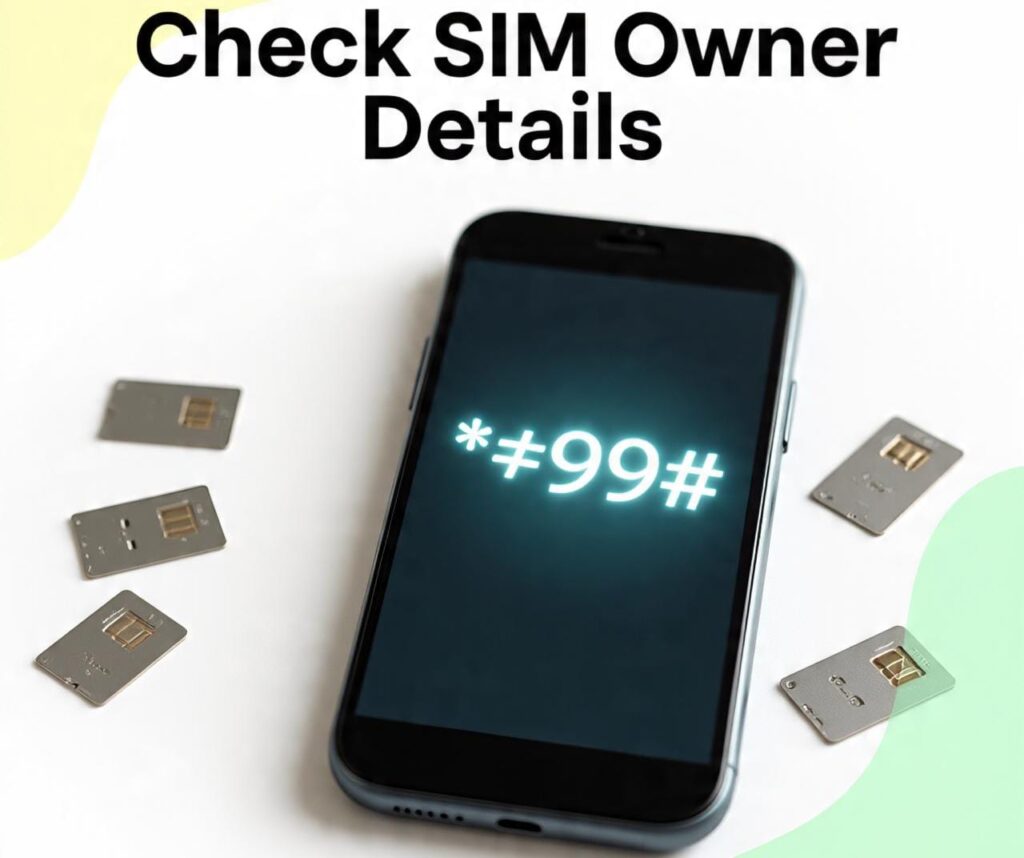
This is the quickest and easiest way. You do not need any balance for this. Insert Your Jazz SIM into your phone and Dial *99# on your Jazz SIM and number will appear on the screen. No balance will be deducted.
- Code: *99#
✅ Method 2: Check Through Jazz App ( Online Method)
- If you have a smartphone.
- Install the Jazz World App from the Play Store.
- Log in using your SIM.
Your number will be displayed on the home screen.
✅Method 3: Check via Whatsapp
If your Whatsapp is registered on that Jazz number. Open Whatsapp and message any friend or family member.
You can ask them to tell you the number.
✅Method 4: Send SMS 667
Type MNP and send it to 667.
You will receive a message with your SIM details including your number.
✅Method 5: Call Jazz Helpline
If none of the above methods work and you don’t have your SIM in a phone. Call 111 from any Jazz SIM or official Jazz helpline from another number. Provide them with required details. They will help you retrieve your number.
Make sure you call only the official Jazz helpline and never share sensitive information with unknown numbers.
| Network | Code | Charges |
|---|---|---|
| Jazz | *99# | 0 |
| Telenor | *888#, *710# | 0 |
| Zong | *100#,*8# | 0 |
| Ufone | *780*3#, *1# | 0 |
How to Check Zong SIM Number
To find your Zong SIM number simply insert the SIM into your phone and dial *8#. As soon as you dial this code your number will appear on the screen.
- Code: *100#
- 2nd Code: *8#
If this code does not work try another code *100#. This code is also used to check Zong numbers and it should display your number with in seconds.
Still not working? Don’t worry there an even easier method. Just install the My Zong App create an account using your Zong SIM and you will see your number right at the top whenever you open the app. No need to dial codes again and again.
And if none of these methods help simply call Zong helpline and thy will assist you in retrieving your number
How to Check a Telenor SIM Number
To check your Telenor SIM number make sure the SIM is inserted in your mobile phone. Then dial *888# and your number will appear on the screen. If that code does not work try *710# this will also show your number on your display.
- Code:*888#
- 2nd Code: *710#
If the number still does not appear you can try other methods. One easy way is to download the My Telenor App create an account and check your profile your SIM number will be listed there. If the app method does not work either you can contact Telenor helpline for assistance.
Another quick trick is this, If you have an SMS package on that SIM just one a short message to a friend. As soon as they receive it your number will be visible on their phone and they can tell you.
How to Check Your Ufone SIM Number
If you want to find out your Ufone SIM number the easiest method is to dial *780# from the same SIM you want to check. AS soon you dial it, your number will appear on the screen no balance will be deducted. If this code does not work for any reason try the alternatives codes.
- Code: *780*3#
- 2nd Code: *1#
One of these codes will definitely help you find Ufone number without any charges.
What If the Codes Don’t Work?
If none of the above methods work try these options,
Use the Ufone App
Install the official Ufone app create an account anf your number will be visible on the dashboard.
Call Ufone Helpline
Contact customer support and request your SIM number. They may ask for identity verification.
Give a Missed Call to a Family Member
Simply call or give a missed call to any friend or family member. Your number will appear on their
How to Share Mobile Balance in Pakistan
Conclusion
Sometimes we forget our mobile number but it is important to know it whether we need to the recharge our balance or share it with someone for help etc. When we lose track of our number there is no need to panic or run here and there. The easiest way is to simply dial the USSD code of your So first try this method. If it does not work you can use the second option through SMS. And if SMS also fails then the last option is to contact the helpline. Even if your SIM is not active in your phone, the helpline can still assist you.
Question Answer
1:How do I check my SIM number?
Dial code depending on your network (like Zong, Jazz, Telenor , Ufone) and see number on your screen. See your network in post.
2: How to check SIM number of Ufone?
Dial code from your Ufone SIM to check number. Code available in post.
3: How do I check my mobile number?
- Jazz: *99#
- Zong: *8#
- Telenor: *555#
- Ufone: *780*3#
4: How to check number of SIMS in Pakistan?
Go to the cnic.sims.pk site open and enter your valid Cnic number and see your sims numbers and other information.
5: How do I see my phone number?
Go to your phone settings and see about option click on it, and see your sims lisit and numbers.