How to Check SIM Balance on Jazz, Zong, Telenor & Ufone – Easy 3 Methods
Tags: balance check codes, Jazz balance check, mobile balance guide, prepaid SIM guide, Zong balance check
Checking your SIM balance is always important, whether you want to make a call, send SMS or just see how much credit you have left. If you have already saved your balance, then you don’t need to check it again. But when we are about to activate a package , we must know whether enough balance is available or not. The problem is that many people don’t know the correct method to check their balance on any network in Pakistan.
Every network in Pakistan like Zong, Jazz, Telenor and Ufone provides multiple official ways to check the remaining balance. But most users are unaware of these methods.
In this post, you will find all the official balance checking methods offered by these networks. This guide will help you check your balance on any SIM easily. Along with the main methods, you will also see a few extra tricks that can help you check your balance even faster.
If you also face difficulty checking your balance, then read this post carefully till the end and check your balance in second.
Jazz Balance Check Latest Working Methods
Jazz is Pakistan largest and most commonly used network. It provides several ways to check your current balance. Below are the most reliable and updated methods you can use.
How to Share Mobile Balance in Pakistan
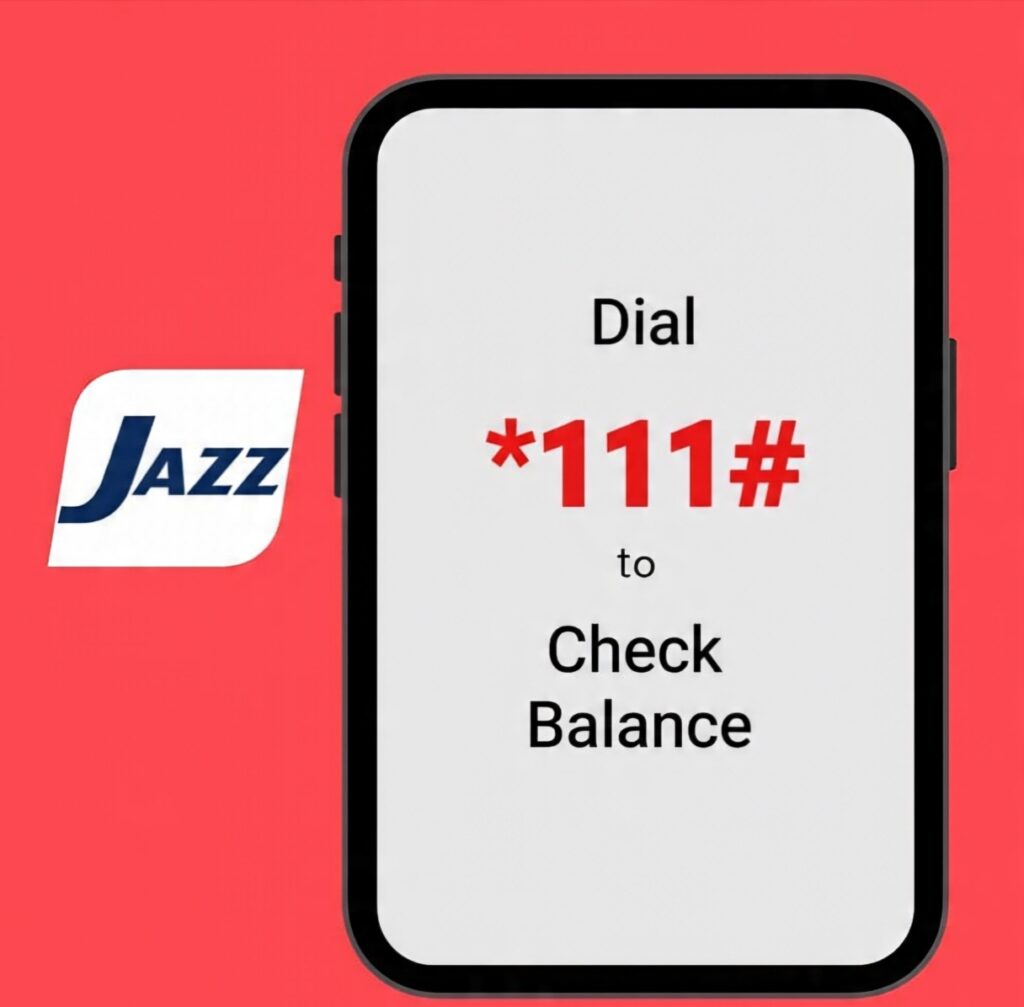
Method 1: Check Jazz Balance Using Code
This is the easiest and most widely used method.
Simply,
- Dial *111#
on your Jazz SIM and your remaining balance will appear on the screen. This code is officially introduced by Jazz and works on all Jazz SIMs.
If for any reason, this code does not work or shows an error you can try the
- Alternate code *124#
Just like the first method, your remaining balance will be shown instantly after dialing.
✓ Both codes are completely free
✓ No tax, no charges
✓ Works on any Jazz prepaid number
Method 2: Check Jazz Balance Through WhatsApp
You can also use Jazz official WhatsApp service to check your balance.
How to use it:
- Open WhatsApp
- Save and open the official Jazz WhatsApp number
- Send a simple “Hi” message
- A menu will appear
- Select Balance Inquiry
If you don’t see it, choose Account Details or any option related to balance.
Your remaining balance will appear inside the chat instantly. This method is also free and does not deduct any balance.
How to Stop Mobile Balance Deduction in Pakistan
| Network | Code | Fee |
|---|---|---|
| Jazz | *124# | 0 |
| Zong | *222# | 0 |
| Telenor | *444# | 0 |
| Ufone | *124# | 0 maybe |
Method 3: Check Jazz Balance Using Jazz World App
Jazz World App is the easiest digital method to check your balance and manage your Jazz account.
Steps:
- Download the Jazz World App from Play Store.
- Open the app and enter your Jazz number.
- You will receive a verification code.
- After logging in your home screen will show your current balance under the “Balance” section.
With this app, you can, check your balance, See account details, Check packages, Mange bundles.
This method is also free with no balance deduction and no hidden charges.
How to Share Mobile Balance in Pakistan
Zong SIM Balance Check Methods
Zong offers several ways to check your mobile balance. Here you will find the three easiest and most commonly used methods that work for almost everyone.
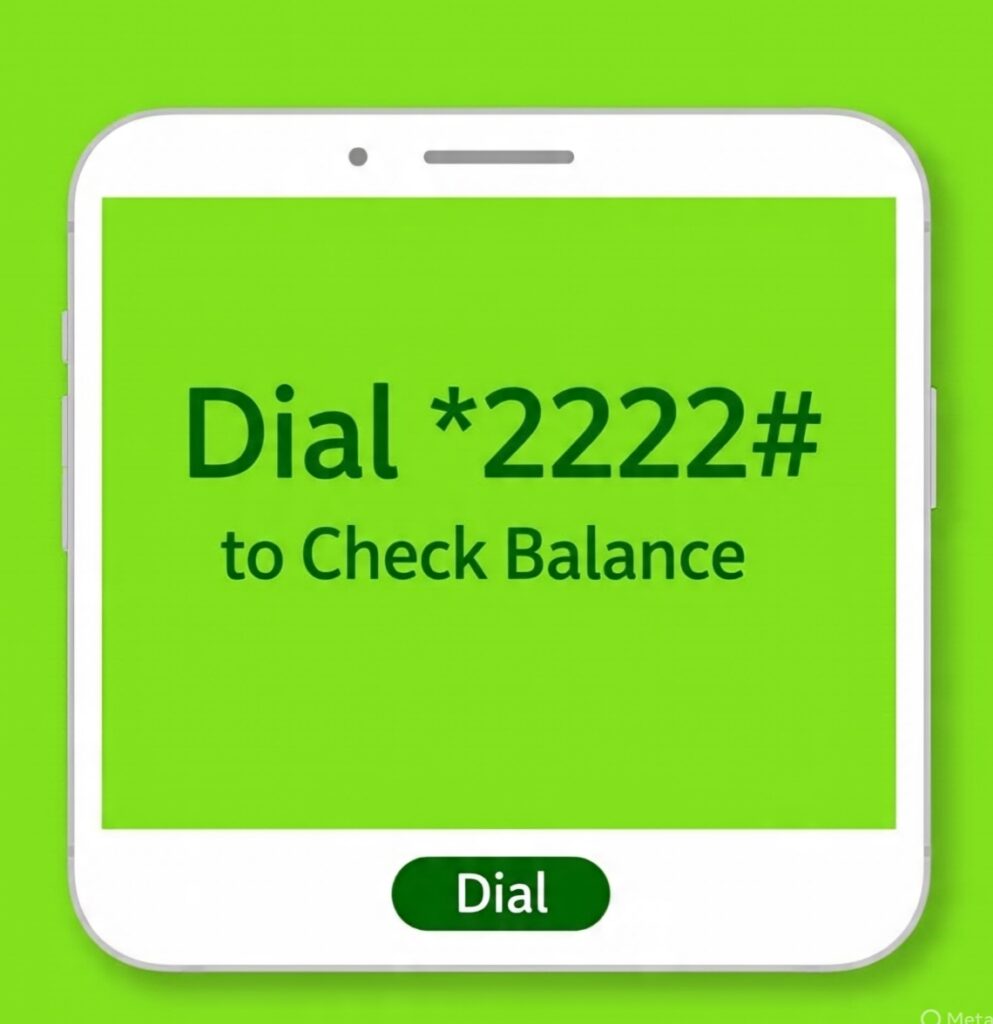
1.How to Check Zong Balance Using a Code
If you don’t have any balance or don’t want to pay any tax, this is the simplest method.
Just,
- Dial: *222#
As soon as you enter this code your current Zong balance will appear on the screen.
This method is completely free and no tax be deducted.
2.How to Check Zong Balance Through the My Zong App
If the balance check codes is not working or you are unable to dial it for any reason then the My Zong App is the best Alternative.
Here is how to use it;
- Open the Google Play Store or Apple App Store.
- Download the My Zong App.
- Open the app and enter the Zong number whose balance you want to check.
- You will receive a verification code via SMS.
- Enter the code in the app to create your account.
After your account is created your balance will be visible on the app home screen.
There is no tax or extra charge and you can check your balance anytime as many times as you want.
3.How to Check Balance Through Zong Helpline
If both the code and the app don’t work you can still check your balance using Zong helpline.
Steps;
- Call 310 from your Zong SIM.
- The support agent may ask for your name your Zong number and sometimes your CNIC number for verification.
- After confirming your details they will tell you your available balance.
Make sure you call only 310 as it is Zong official helpline.
Telenor Balance Check Methods
Telenor users have several easy ways to check their mobile balance. Most methods are very simple and only one or two might feel a little difficult but overall anyone can check their balance without any problem.
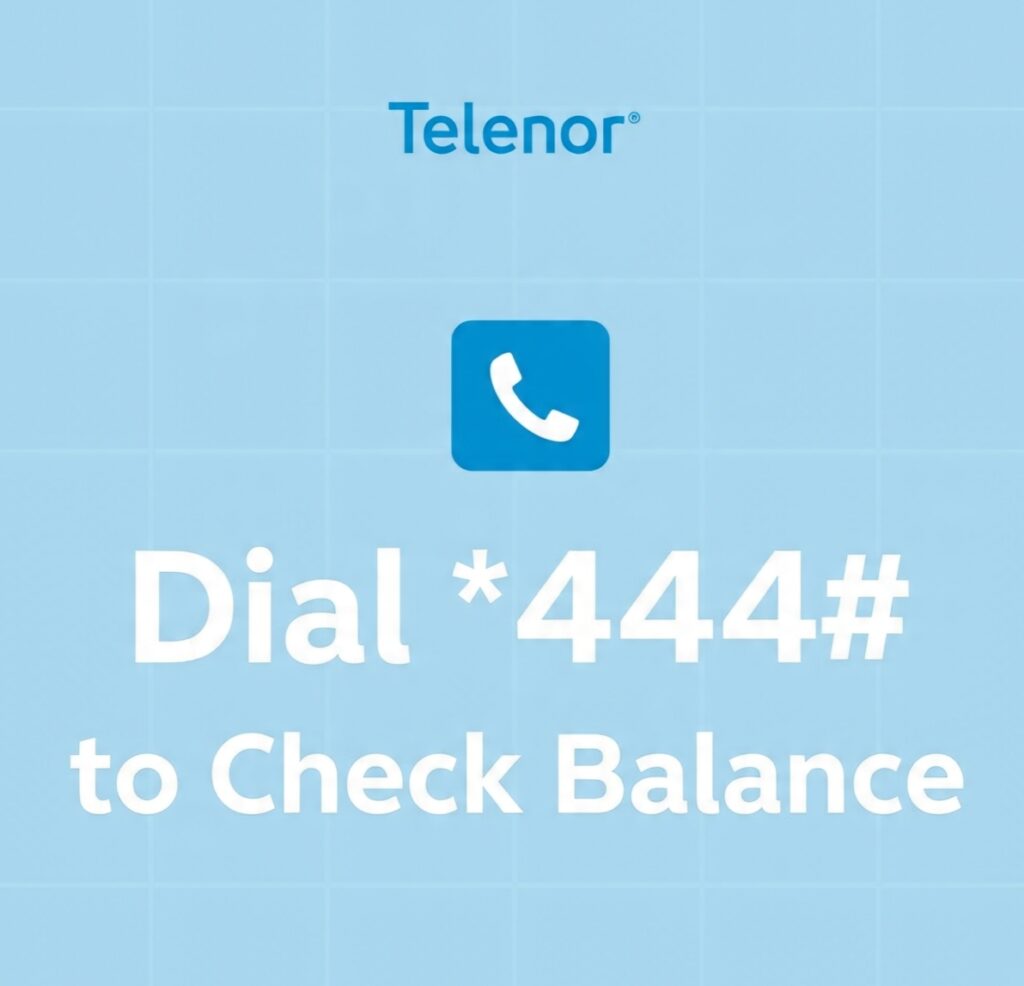
1.Check Telenor Balance Using Code
Just like every network provides a balance check code, Telenor also has its own code. Anyone can dial this code and instantly see their current balance.
To check your balance simply,
- Dial: *444#
As soon as you dial this code your available balance will appear on the screen. This method is completely free no extra charges are applied.
2.Check Balance Through the My Telenor App
Like other networks, Telenor also has an official mobile app that helps you check all your details, especially your balance.
Steps:
- Open the Play Store or App Store
- Search for “My Telenor App”
- Install the app and open it
- Enter your Telenor number
- You will receive a verification code on your SIM
- Enter that code inside the app
After verification, your account will be created. You will see your current balance on the home screen. If your balance is zero, it will show 0.
You can check your balance anytime as many times as you want. It is completely free and requires no balance to use.
3.Check Balance Using Telenor Helpline
If the above methods are not working, you can check your balance by calling Telenor Helpline.
- Dial “345”
The representative may ask you for some basic information to verify your identity. After that, you can ask them for your current balance on the call or sometimes they may also send it through SMS.
This service is also free but you must have call minutes to make the call.
Method to Check Balance on a Ufone SIM
Ufone users can check their SIM balance using these latest methods. Some ways are easy, while others may feel a bit difficult. In a few methods, small taxes may also apply.
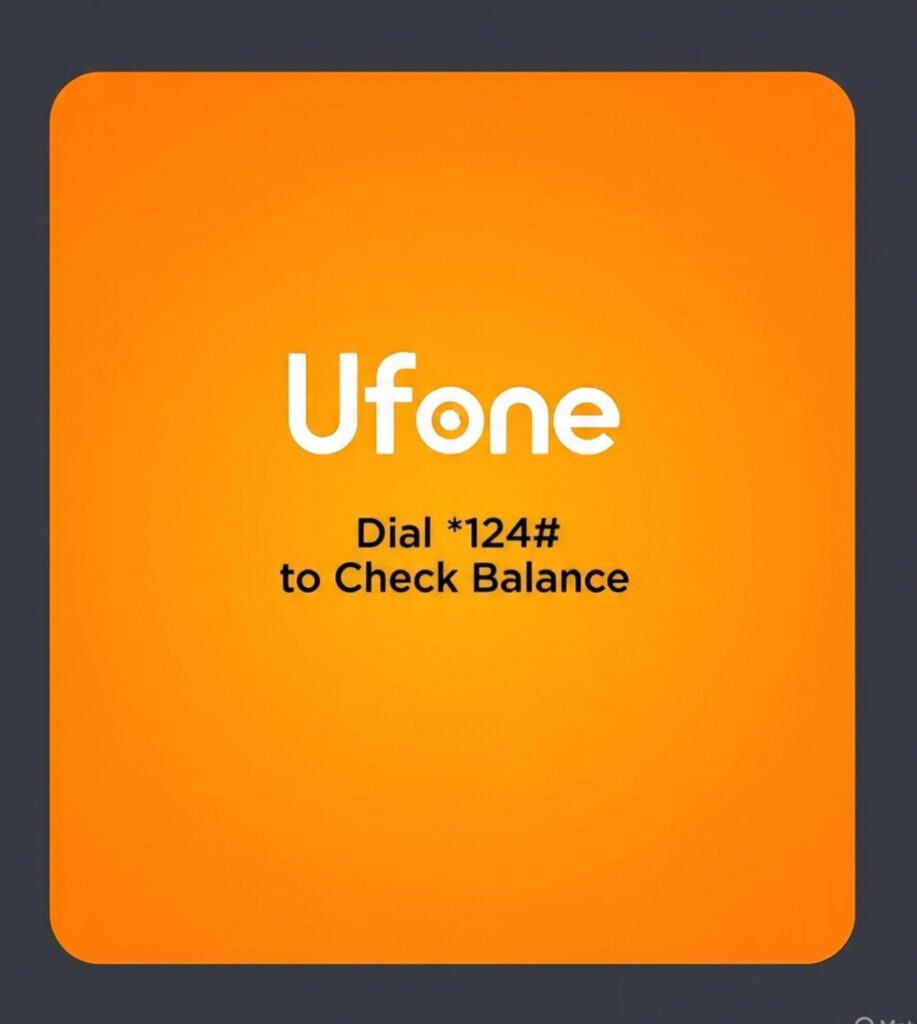
1.How to Check Ufone Balance Using a Code
To check your Ufone balance through a code , make sure your Ufone SIM is inserted in your mobile phone.
- Now dial: *124#
As soon as you dial this code, your current balance will appear on your screen.
In some cases, Ufone may charge a small fee or show a message that some tax will be deducted. But in many cases, this process works with almost zero charges.
Just dial the code and you can instantly check your balance.
2.How to Check Ufone Balance Using the Ufone App
Ufone provides a digital and easy way to check your balance without tax and without any long steps. You can check your balance anytime using the My Ufone App.
For this you must have a smartphone.
- Download the My Ufone App.
- Enter your Ufone number inside the app.
- You will receive a verification code through SMS.
- Enter that code into the app.
- Your dashboard will open after login.
On the dashboard, you will see the balance box on the top, showing your current balance.
You can check your balance many times a day using the app completely free.
3.How to Check Ufone Balance Through the Helpline
To check your balance using the Ufone helpline,
- Call 333
After calling, the representative may ask for some details such as your CNIC number or other verification information.
Once thay verify your identity, you can ask them to tell you your current balance.
In this method, you may need call minutes or some tax might be charged. Only then you will be able to get your balance details through the Helpline.
How to Share Mobile Balance in Pakistan
Conclusion
If you were having trouble checking your mobile balance before, we hope this post has finally solved your problem. In this article, we added every method that can help you check your balance easily. Some methods might look similar, but these are the most common and the most, used ways. You can use any of these methods anytime and anywhere to check your balance without any difficulty.
We hoped this post helped you and you get the complete information you were looking for.
How to Stop Mobile Balance Deduction in Pakistan
❓ FAQ (Question Answers)
1: Kya balance check karne ky liye charges lagty hain?
kuch sim ya networks pr lagty han wo bi 0.12 sy 0.25 Pkr tk.
2: Kya sb Sims ka balance check same ha?
Nhi hr network ki SIM ka balance check code alag hota ha.
3: Kya app sy free mein balance check hota ha?
Yes App hr network ki app pr khoi charge ya tax nhi lagta balance check krny ky liye.
4: Kya balance expire hota ha?
yes SIM agar band rahy ya low usage pr bi balance expire ho jata ha.
[…] Check SIM Balance […]
[…] Check SIM Balance […]
[…] Check SIM Balance […]
Jazz Free internet co
Give me internet bundle